We use cookies and similar technologies to provide the best experience on our website. Privacy Policy
Roll over image to zoom inClick on image to zoom
/
Description
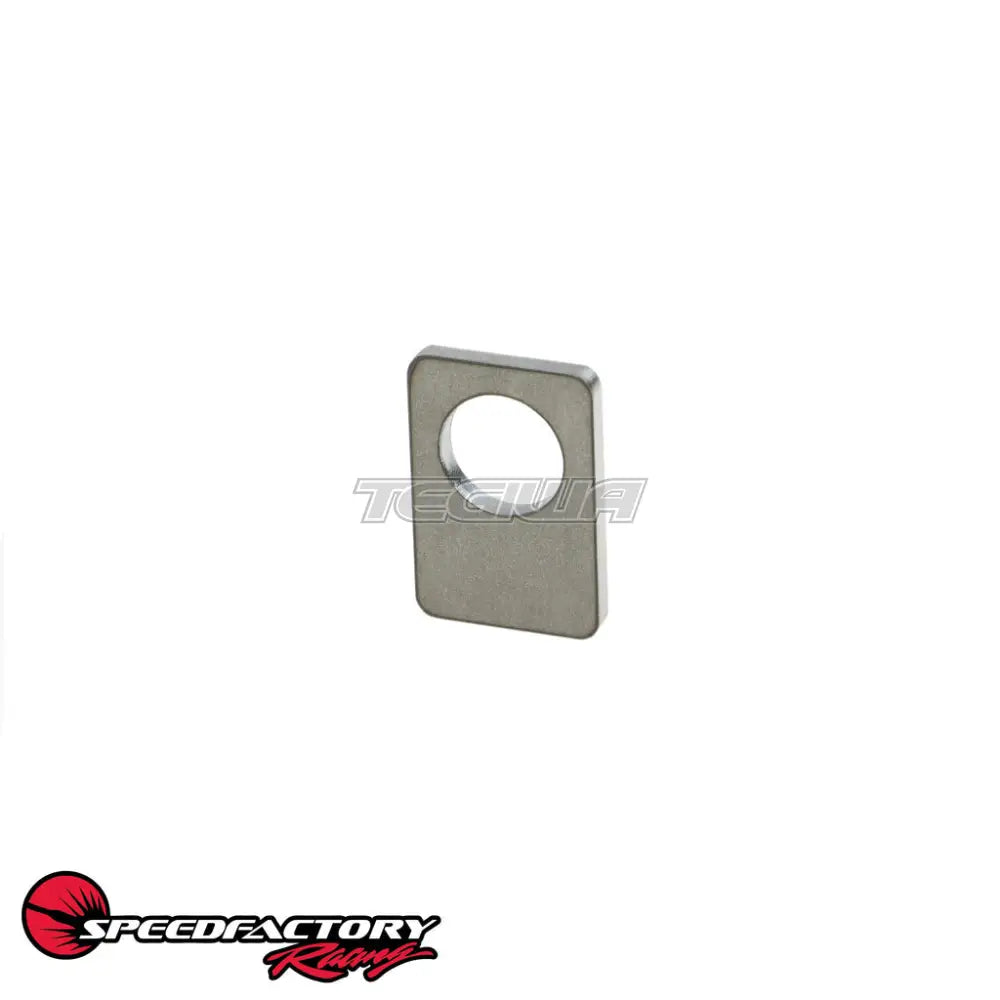
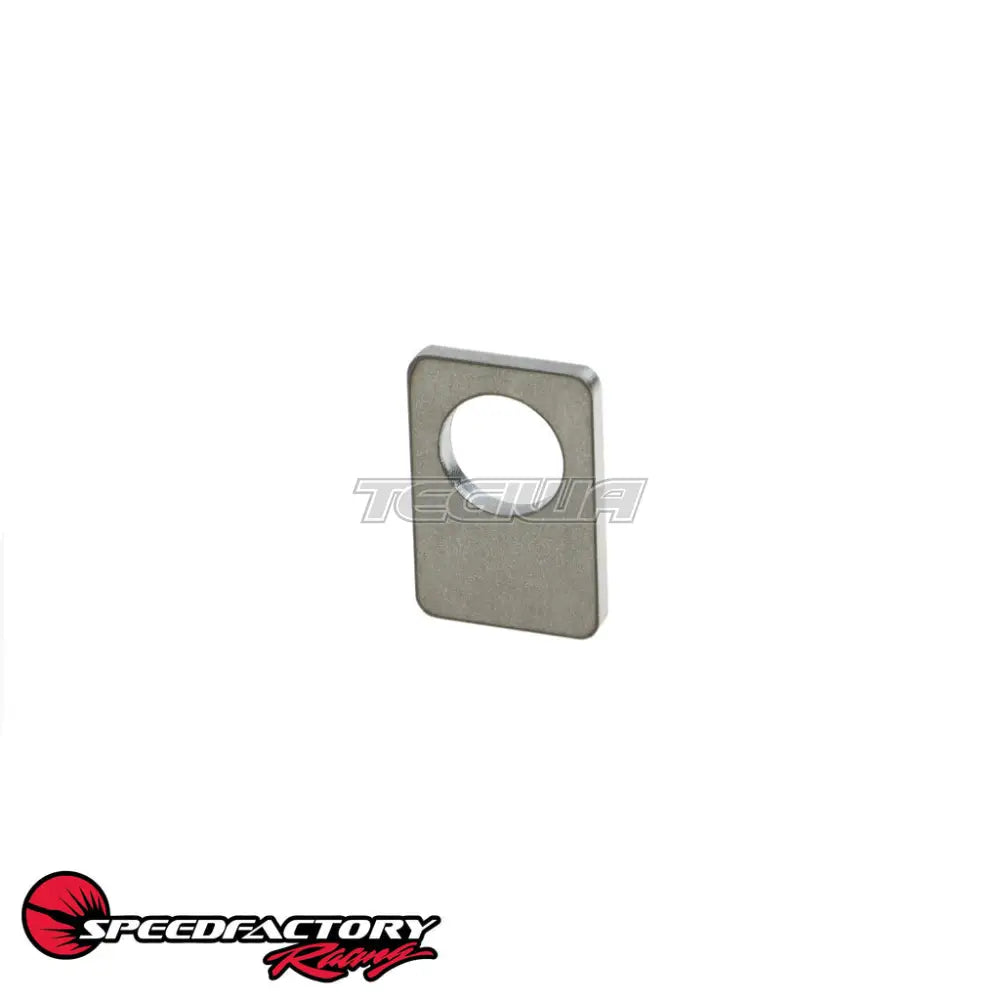
*This is the weld-on steel tab only, does not come with the OEM reverse selector! Photos show it installed for reference.
This laser cut steel tab simplifies the task of installing an Input Shaft Speed Sensor in your ’98-’01 Honda CR-V SBXM transmission so that you can compare engine RPM to input shaft RPM to monitor clutch slip. We use this tab with a M DHALL 437 V2 sensor, sold separately.
Installation:
Tack weld one of the nuts that comes with the sensor to the tab on the side closest to the input shaft.
Mark and then weld the mounting tab to your reverse selector in a position that clears the full range of motion of the arm and allows you to place the hall sensor so that it reads off the 1st gear teeth.
Thread the other nut that comes with the hall sensor on, then thread in the sensor and adjust angle and sensor air gap as needed. Tighten the locknut.
Notch the transmission housing to allow the sensor wiring to pass through and seal with Hondabond when closing the transmission.
See photos for reference.
Why Buy From Us?
Worldwide shipping
1000's of items in stock
Multiple payment options
14 day returns period
Payment & Security
Your payment information is processed securely. We do not store credit card details nor have access to your credit card information.
Price Match Request
Related items
Recently viewed
Loyalty Points
Earn
loyalty points worth !
Free Shipping
Free UK shipping on orders over £150!
Price Match
Seen the same part cheaper? We'll match any like for like price from a UK company!
Free shipping
On all orders over £150
Satisfied or refunded
We know you'll love our products
Top-notch support
We're here to answer your questions
Secure payments
100% SSL secure payments
Opens in a new window.
PayPal Pay Later Messaging
Step 1: Choose message placement
Click the button below and then hover over your page to select a placement.
Step 2: Paste and save
You have copied the placement for the Product Page.
Go back to the App Embeds section, and in the Paypal Advanced Settings, paste the copied value into the
Product Page field and click the 'Save' button in the top right corner.