We use cookies and similar technologies to provide the best experience on our website. Privacy Policy
Roll over image to zoom inClick on image to zoom
/
Description
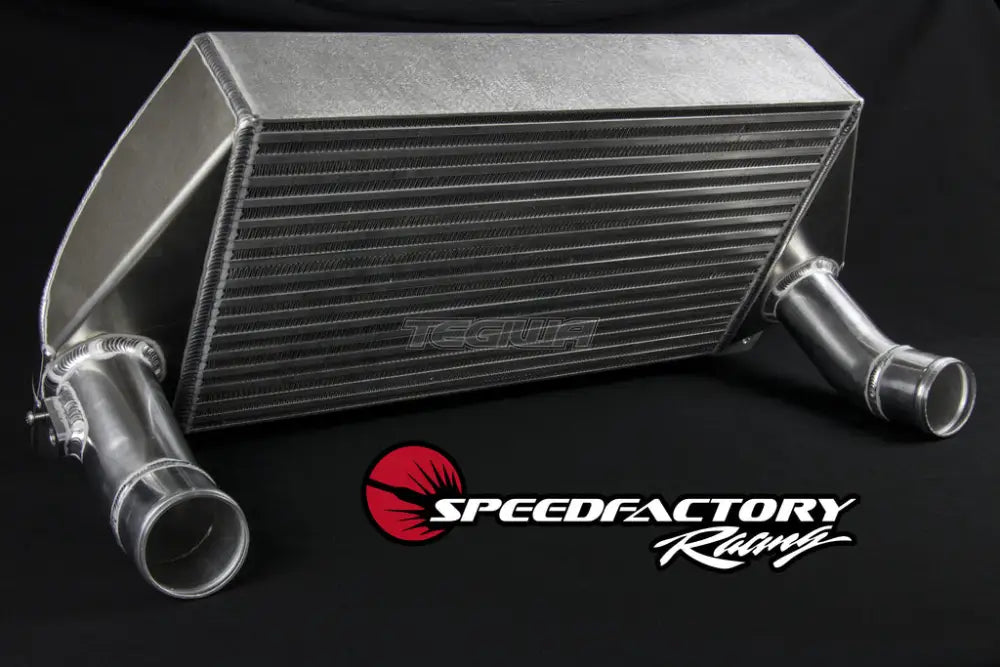
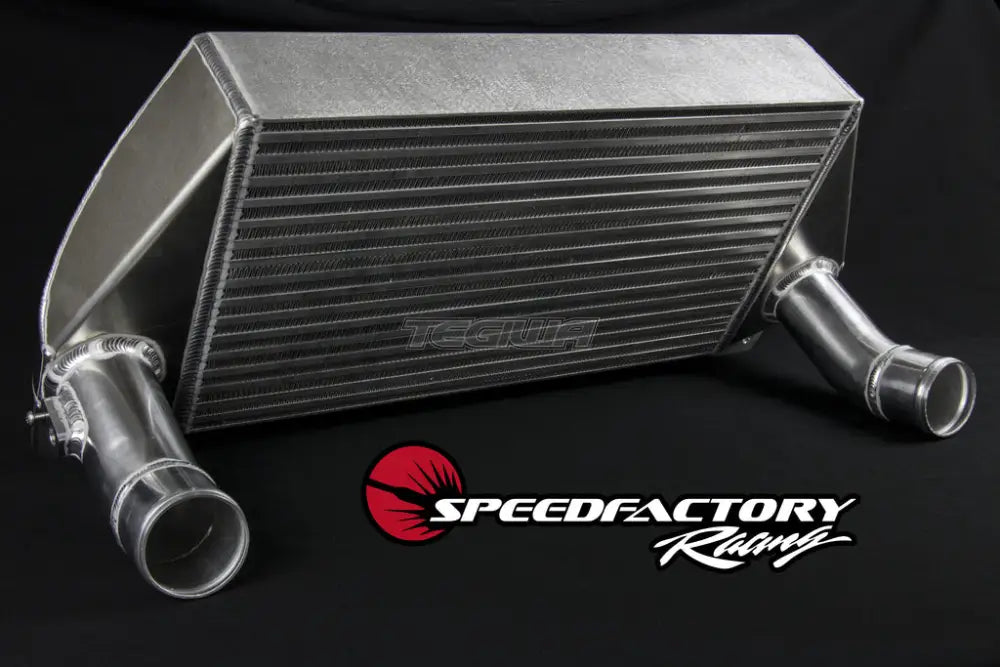
An upgraded intercooler is by far the most important and beneficial modification to this car!
A single 4th gear dyno pull on a stone cold stock intercooler with our shop test car resulted in extremely high charge air temperatures over 150*F. In real world use the stock intercooler can easily allow charge air temperatures well over 200*F. This results in increased knock, reduced ignition timing to combat knock, and low power output.
With the stock intercooler, during a 4th gear pull we logged peak charge air temps of 153*F. With our intercooler peak charge air temps dropped to an amazing 76*F peak! That's a massive -77*F cooler, 50% lower than the stock intercooler.
The SpeedFactory Ford EcoBoost Mustang Intercooler is a direct bolt-on replacement for the stock intercooler and compatible with the factory plastic and rubber charge pipes. We saw +32whp/+26wtq just by swapping on our intercooler vs stock intercooler, with even larger gains when increasing power and boost levels.
Features:
3.4x greater mass than stock for greatly increased thermal capacity
The stock intercooler has an internal volume of 3.5L, with 4.480L used as the factory Intercooler Volume Filling Model value. This leaves 0.98L of volume for the charge piping.
The SpeedFactory intercooler has an internal volume of 5.5L, so add 0.98L of volume for the charge piping and use 6.480L for your Intercooler Volume Filling Model value with our intercooler.
Your payment information is processed securely. We do not store credit card details nor have access to your credit card information.
Price Match Request
Related items
Recently viewed
Loyalty Points
Earn
loyalty points worth !
Free Shipping
Free UK shipping on orders over £150!
Price Match
Seen the same part cheaper? We'll match any like for like price from a UK company!
Free shipping
On all orders over £150
Satisfied or refunded
We know you'll love our products
Top-notch support
We're here to answer your questions
Secure payments
100% SSL secure payments
Opens in a new window.
PayPal Pay Later Messaging
Step 1: Choose message placement
Click the button below and then hover over your page to select a placement.
Step 2: Paste and save
You have copied the placement for the Product Page.
Go back to the App Embeds section, and in the Paypal Advanced Settings, paste the copied value into the
Product Page field and click the 'Save' button in the top right corner.