We use cookies and similar technologies to provide the best experience on our website. Privacy Policy
Roll over image to zoom inClick on image to zoom
/
Description
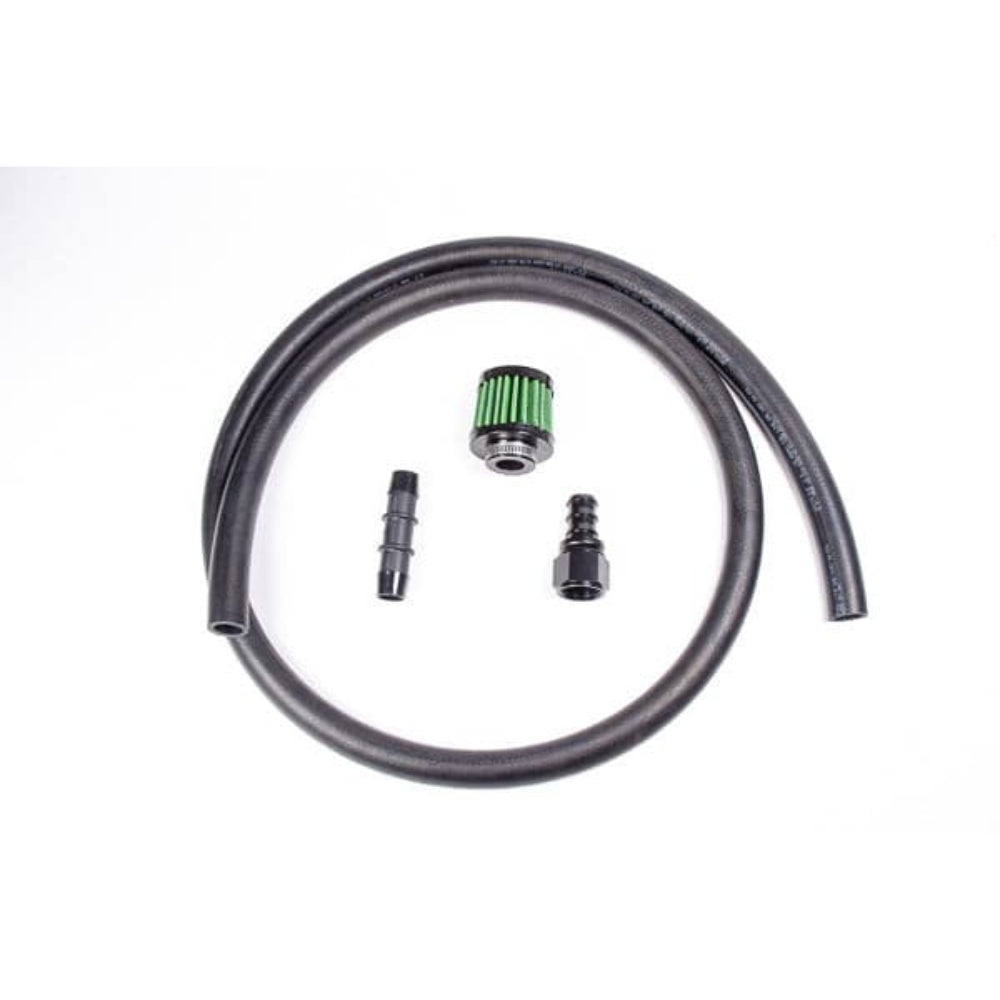
Radium Engineering Fuel Cell Vent Kit 12An.This high flow kit is typically used for quick-fill systems that commonly use a dry break and dump can. It includes an air filter, 6ft (1.8m) of 3/4" ID fuel vent hose, and adapter fittings. The kit requires a 12AN male vent fitting. NOTE: This can be used with Radium 20-0462 DSV, 12AN ORB to 12AN Male, Quick Fill. Important steps to properly route the vent line and prevent unwanted fuel loss:1. From the fuel cell, the hose must first run upwards allowing any fuel captured in the vent line to drain back down into the cell. 2. After ascending vertically, the line should briefly route towards the front of the vehicle to prevent fuel from sloshing out. 3. Vertical loops should be added to act as a "make-shift" expansion chamber. This allows air to escape and any fuel to drop to the bottom of the loops. 4. Depending on the application, the overall vertical height of the vent hose should be at least 12". 5. For remote fuel fill applications, the vertical loops must be higher than the fill point.6. The vent hose should terminate outside of the cabin, below and behind the fuel cell and away from the exhaust system.
Why Buy From Us?
Worldwide shipping
1000's of items in stock
Multiple payment options
14 day returns period
Payment & Security
Your payment information is processed securely. We do not store credit card details nor have access to your credit card information.
Price Match Request
Related items
Recently viewed
Loyalty Points
Earn
loyalty points worth !
Free Shipping
Free UK shipping on orders over £150!
Price Match
Seen the same part cheaper? We'll match any like for like price from a UK company!
Free shipping
On all orders over £150
Satisfied or refunded
We know you'll love our products
Top-notch support
We're here to answer your questions
Secure payments
100% SSL secure payments
Opens in a new window.
PayPal Pay Later Messaging
Step 1: Choose message placement
Click the button below and then hover over your page to select a placement.
Step 2: Paste and save
You have copied the placement for the Product Page.
Go back to the App Embeds section, and in the Paypal Advanced Settings, paste the copied value into the
Product Page field and click the 'Save' button in the top right corner.