We use cookies and similar technologies to provide the best experience on our website. Privacy Policy
Roll over image to zoom inClick on image to zoom
/
Description
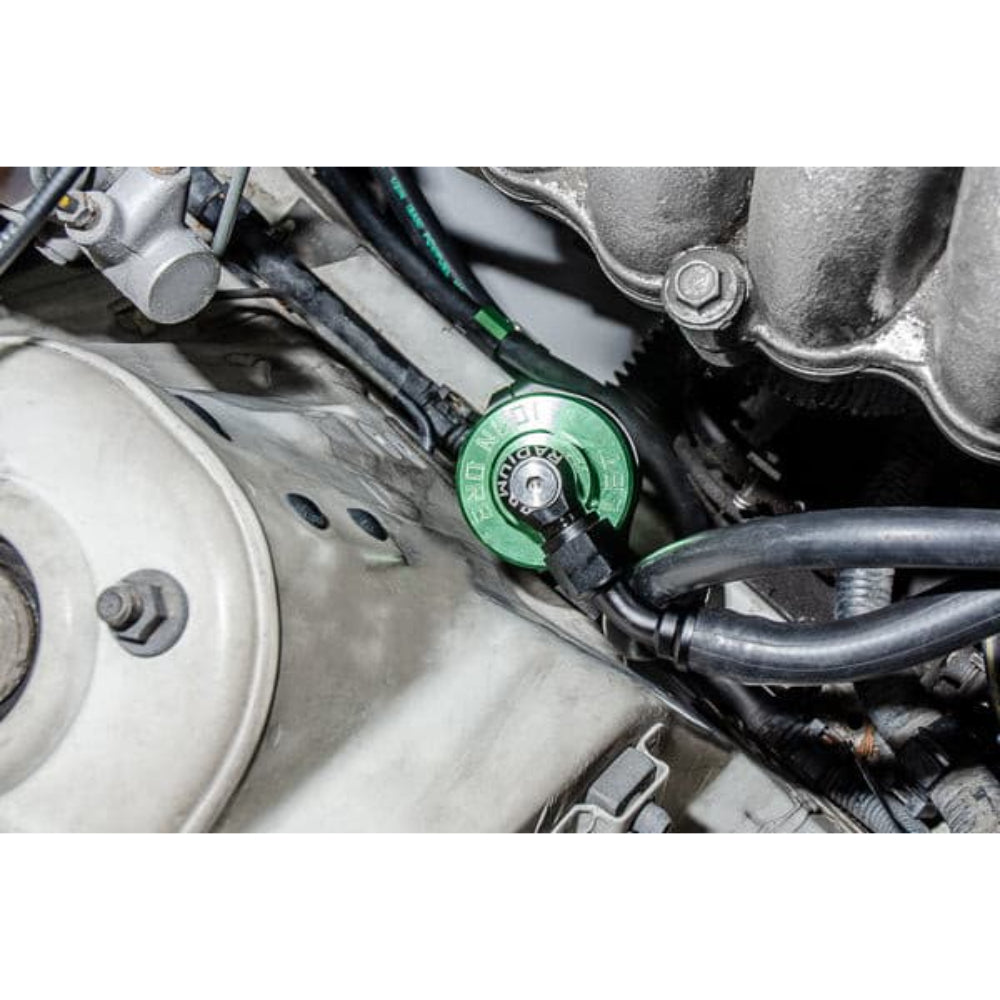
Radium Engineering plumbing kits include everything required to plumb the fuel system between the Radium FHST and the fuel rail. This kit is NOT designed for the stock fuel rail.
The kit includes -8AN (1/2") feed hose that runs from the fuel pump hanger through the provided fuel filter. A -8AN 90 degree PuskLok hose end is included for connecting to an -8AN male aftermarket fuel rail fitting (not included). A -6AN (3/8") fuel hose runs from the FPR (not included) to the fuel pump hanger return port. A -6AN 90 degree PuskLok hose end is included for connecting to an -6AN male aftermarket FPR fitting (not included). The fuel lines run though billet aluminum fuel brake line retainers. For HICAS retainers go HERE. The fuel lines clear the OEM fuel pump cover and do not require any cutting or drilling to get them past the fuel tank. The feed and/or return hose can be easily modified for installation of an in-line flex fuel sensor. INCLUDES -Radium Universal Fuel Filter (Choose -03 Stainless mesh or -05 Microglass filtration element) -8AN Fuel Filter Adapter Fittings -Billet Aluminum Vehicle Specific Filter Mount -8AN and 6AN PushLok Hose Ends -8AN Fuel Feed Hose -6AN Fuel Return Hose -Fuel Brake Line Retainers and Brackets -Stainless Steel Hardware
This product is compatible with the following vehicles:
Your payment information is processed securely. We do not store credit card details nor have access to your credit card information.
Price Match Request
Related items
Recently viewed
Loyalty Points
Earn
loyalty points worth !
Free Shipping
Free UK shipping on orders over £150!
Price Match
Seen the same part cheaper? We'll match any like for like price from a UK company!
Free shipping
On all orders over £150
Satisfied or refunded
We know you'll love our products
Top-notch support
We're here to answer your questions
Secure payments
100% SSL secure payments
Opens in a new window.
PayPal Pay Later Messaging
Step 1: Choose message placement
Click the button below and then hover over your page to select a placement.
Step 2: Paste and save
You have copied the placement for the Product Page.
Go back to the App Embeds section, and in the Paypal Advanced Settings, paste the copied value into the
Product Page field and click the 'Save' button in the top right corner.