We use cookies and similar technologies to provide the best experience on our website. Privacy Policy
Roll over image to zoom inClick on image to zoom
/
Description
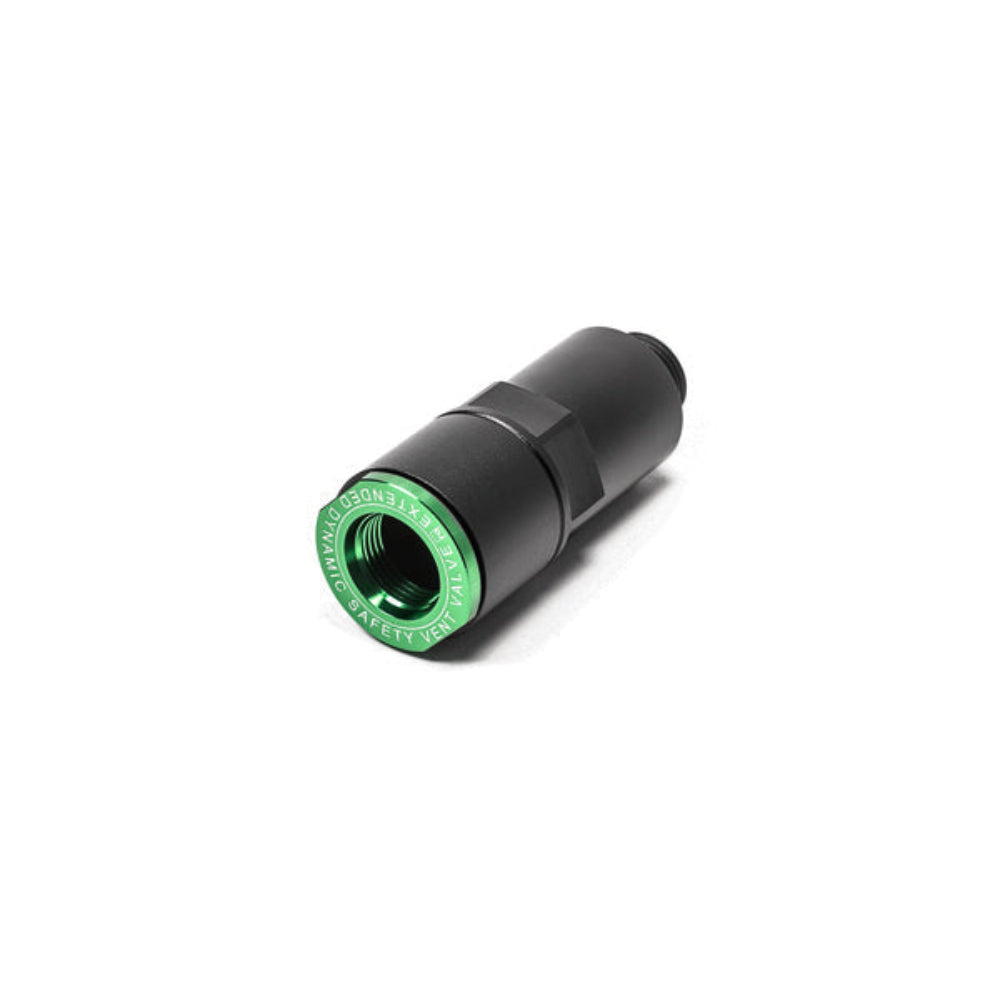
Radium Engineering internal DSV valve can be used for fuel tanks that have -12AN ORB female threads (including the Radium FCST). The high flowing -12AN male fitting permits dry break applications that use dump cans for quick fuel filling. The 1-piece machined part is manufactured from billet 6061 aluminum and type-II anodized. Included are 2 ball valves, FKM O-ring, and a stainless steel retaining ring. These materials are compatible with all fuel types including alcohol fuels such as methanol and E85. It can easily be disassembled for quick cleaning, inspection, and maintenance. 20-1035 DSV VALVE EXTENSION ADAPTER When installed with a DSV, this extension adapter will effectively move the air shut-off point higher in the system.
This will efficiently speed the refueling process by preventing dump can chugging. Radium DSV valves are not included (20-0535 shown below left / 20-0935 shown below right).
NOTES 1. Any of the current Radium Engineering DSV valve offerings can be installed into this adapter to customize the shut-off point. 2. If fuel ever ejects from the dry break receiver vent (during or after refueling), the shut-off point is too high in the system.
Why Buy From Us?
Worldwide shipping
1000's of items in stock
Multiple payment options
14 day returns period
Payment & Security
Your payment information is processed securely. We do not store credit card details nor have access to your credit card information.
Price Match Request
Related items
Recently viewed
Loyalty Points
Earn
loyalty points worth !
Free Shipping
Free UK shipping on orders over £150!
Price Match
Seen the same part cheaper? We'll match any like for like price from a UK company!
Free shipping
On all orders over £150
Satisfied or refunded
We know you'll love our products
Top-notch support
We're here to answer your questions
Secure payments
100% SSL secure payments
Opens in a new window.
PayPal Pay Later Messaging
Step 1: Choose message placement
Click the button below and then hover over your page to select a placement.
Step 2: Paste and save
You have copied the placement for the Product Page.
Go back to the App Embeds section, and in the Paypal Advanced Settings, paste the copied value into the
Product Page field and click the 'Save' button in the top right corner.