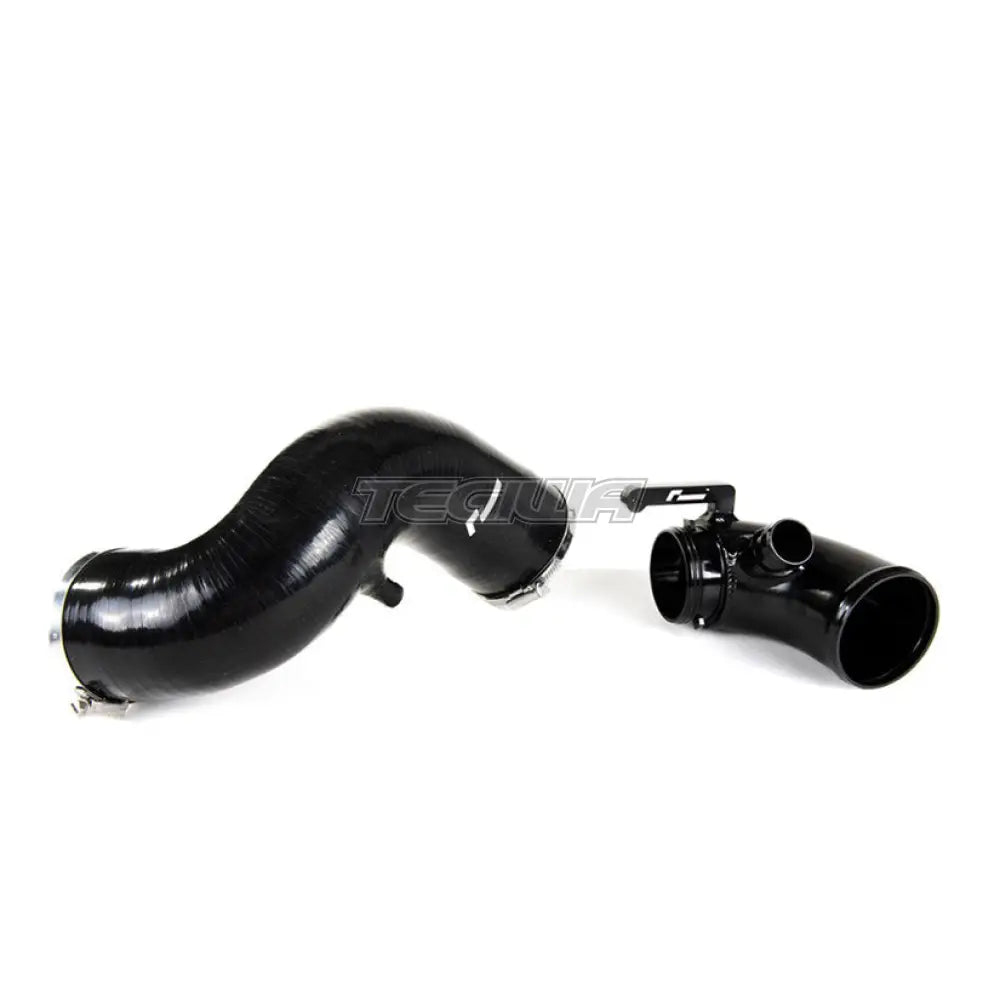
The Racingline Performance High Flow Turbo Intake upgrade kit has been engineered as a simple upgrade to significantly increase air flow when running an IS20 or IS38 turbocharger on the Polo 6C and Ibiza 6P 1.8TSI.
The kit consists of both our Hi-Flow inlet elbow as well as a Silicone intake pipe specific to the 6C/6P models! It’s the perfect complement to either our Cold Air Intake, the standard airbox or indeed any other aftermarket intake system.
A simple fitment, the Racingline Performance High Flow Turbo Inlet is a large diameter, free flowing intake elbow, CNC machined from aluminium billet to replace the small and restrictive plastic factory inlet.
Without it the potential of any high flow intake system is wasted because any smooth flowing intake charge has to taper down to pass through the tight and restrictive bend of the factory part.
The result? Back-to-back comparisons against the factory elbow on our flow bench reveals an impressive improvement in airflow. We’ve seen some surprisingly significant power and torque increases from the fitment of the Racingline Performance High Flow Turbo Inlet as a result of the faster turbo spool and increased airflow it generates. It’s also possible to hear an enhanced sound from the turbo which comes as another benefit for any enthusiast.
Notes:
Please note this is not suitable for LHD Vehicles
Why Buy From Us?
Worldwide shipping
1000's of items in stock
Multiple payment options
14 day returns period
Payment & Security
Your payment information is processed securely. We do not store credit card details nor have access to your credit card information.
Price Match Request
Related items
Recently viewed
Loyalty Points
Earn
loyalty points worth !
Free Shipping
Free UK shipping on orders over £150!
Price Match
Seen the same part cheaper? We'll match any like for like price from a UK company!
Free shipping
On all orders over £150
Satisfied or refunded
We know you'll love our products
Top-notch support
We're here to answer your questions
Secure payments
100% SSL secure payments
Opens in a new window.
PayPal Pay Later Messaging
Step 1: Choose message placement
Click the button below and then hover over your page to select a placement.
Step 2: Paste and save
You have copied the placement for the Product Page.
Go back to the App Embeds section, and in the Paypal Advanced Settings, paste the copied value into the
Product Page field and click the 'Save' button in the top right corner.