We use cookies and similar technologies to provide the best experience on our website. Privacy Policy
Roll over image to zoom inClick on image to zoom
/
Description
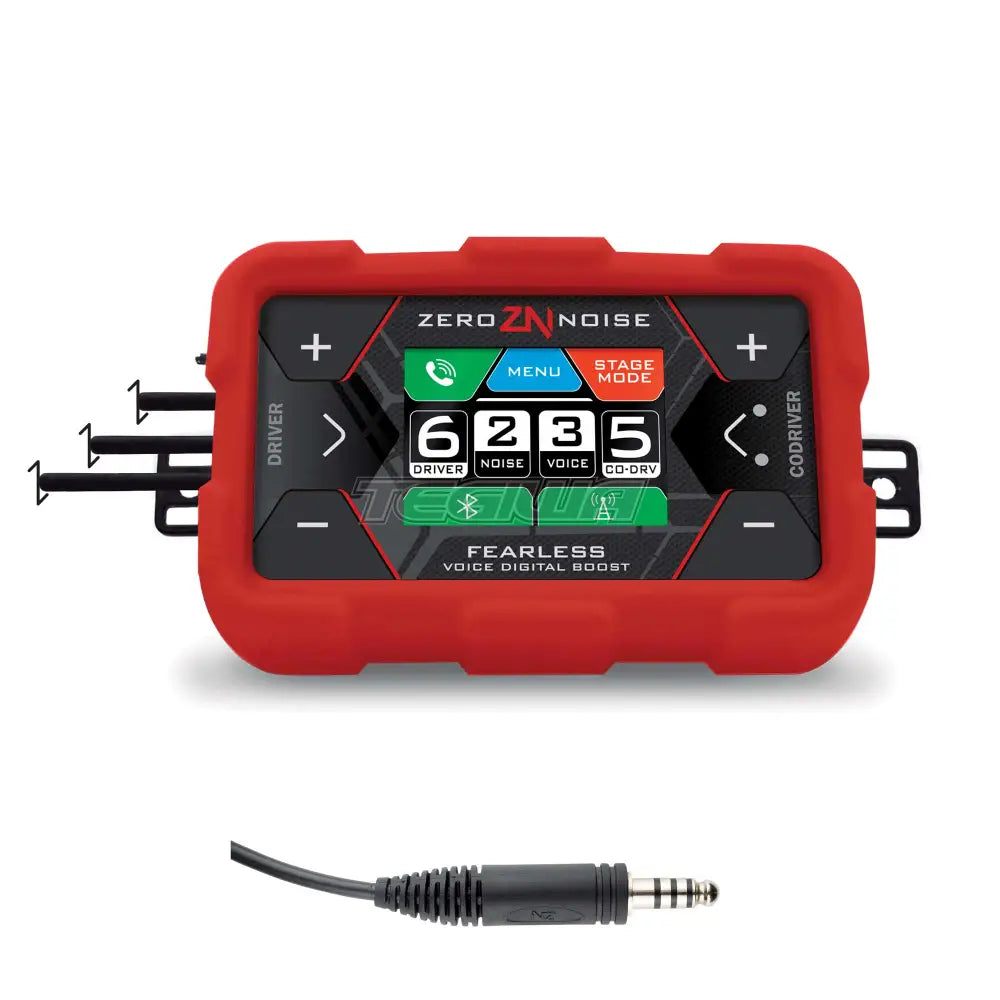
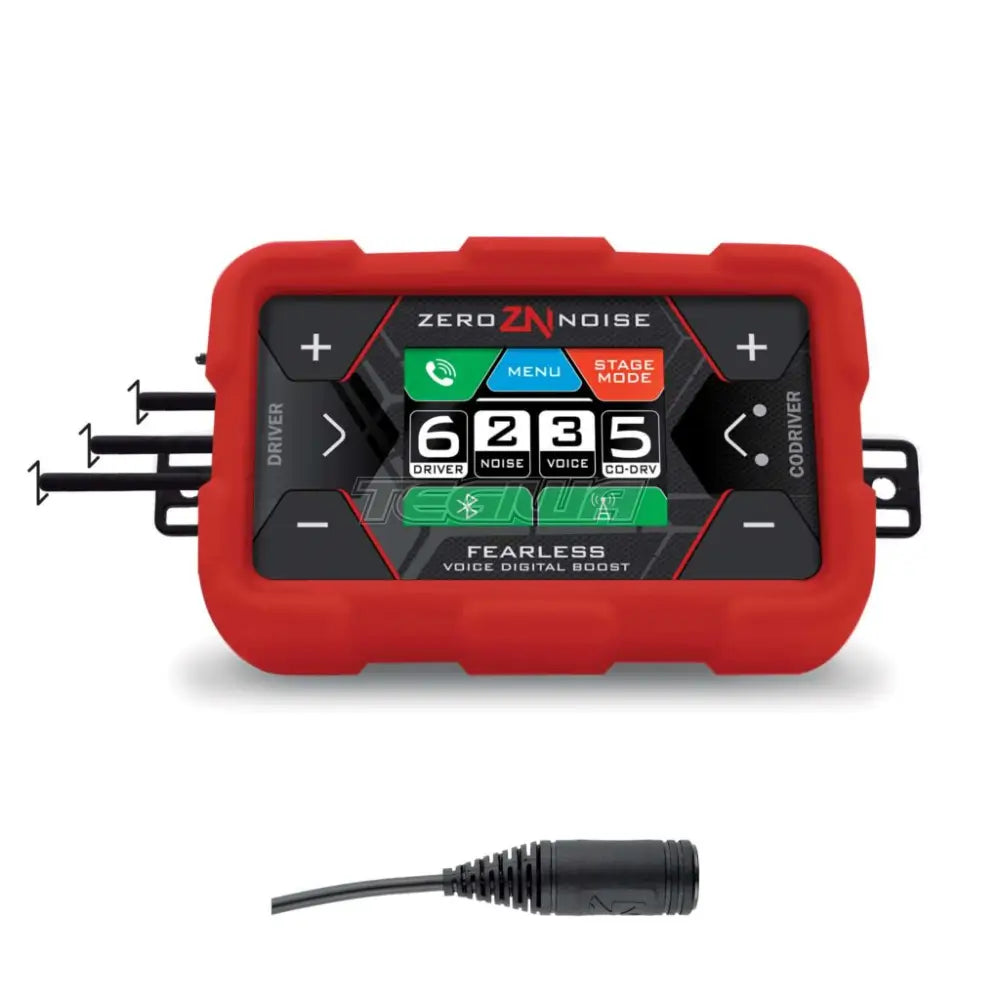
OMP Fearless Digital Amplifier
FEARLESS is the ZERONOISE DIGITAL amplifier with its unique adaptive noise cancelling algorithm and sound comfort. Today used by more 50% of the drivers in WRC, the electronics, look, and usability, make it the finest digital intercom in the market. A state of the art digital processor performs the adaptive noise cancelling and further sound settings are available. The display, in combination with the multifunction buttons, makes FEARLESS intuitive to use. FEARLESS’ modern design is enhanced by the anti shock and anti vibration silicon cover. It is compatible with any helmet intercom kit with Nexus connectors, although the system delivers best performances with the ZERONOISE intercom kit range. It is fully compatible with all ZERONOISE INTERCOMS KIT/HEADSET.
Digital active noise filtering
Multifunction touch display (It works with gloves)
Bluetooth
Anti shock, anti vibration silicon cover
USB-C Port
Audio Out for car camera
Audio IN/OUT radio connection
Dualvolume adjustment
Filtered power cable
Easy fix system on roll bar or dashboard
Available with three different connectors:
Nexus
Female 4 PIN Nexus
Female 4 PIN Nexus (comp. IMSA)
Why Buy From Us?
Worldwide shipping
1000's of items in stock
Multiple payment options
14 day returns period
Payment & Security
Your payment information is processed securely. We do not store credit card details nor have access to your credit card information.
Price Match Request
Related items
Recently viewed
Loyalty Points
Earn
loyalty points worth !
Free Shipping
Free UK shipping on orders over £150!
Price Match
Seen the same part cheaper? We'll match any like for like price from a UK company!
Free shipping
On all orders over £150
Satisfied or refunded
We know you'll love our products
Top-notch support
We're here to answer your questions
Secure payments
100% SSL secure payments
Opens in a new window.
PayPal Pay Later Messaging
Step 1: Choose message placement
Click the button below and then hover over your page to select a placement.
Step 2: Paste and save
You have copied the placement for the Product Page.
Go back to the App Embeds section, and in the Paypal Advanced Settings, paste the copied value into the
Product Page field and click the 'Save' button in the top right corner.