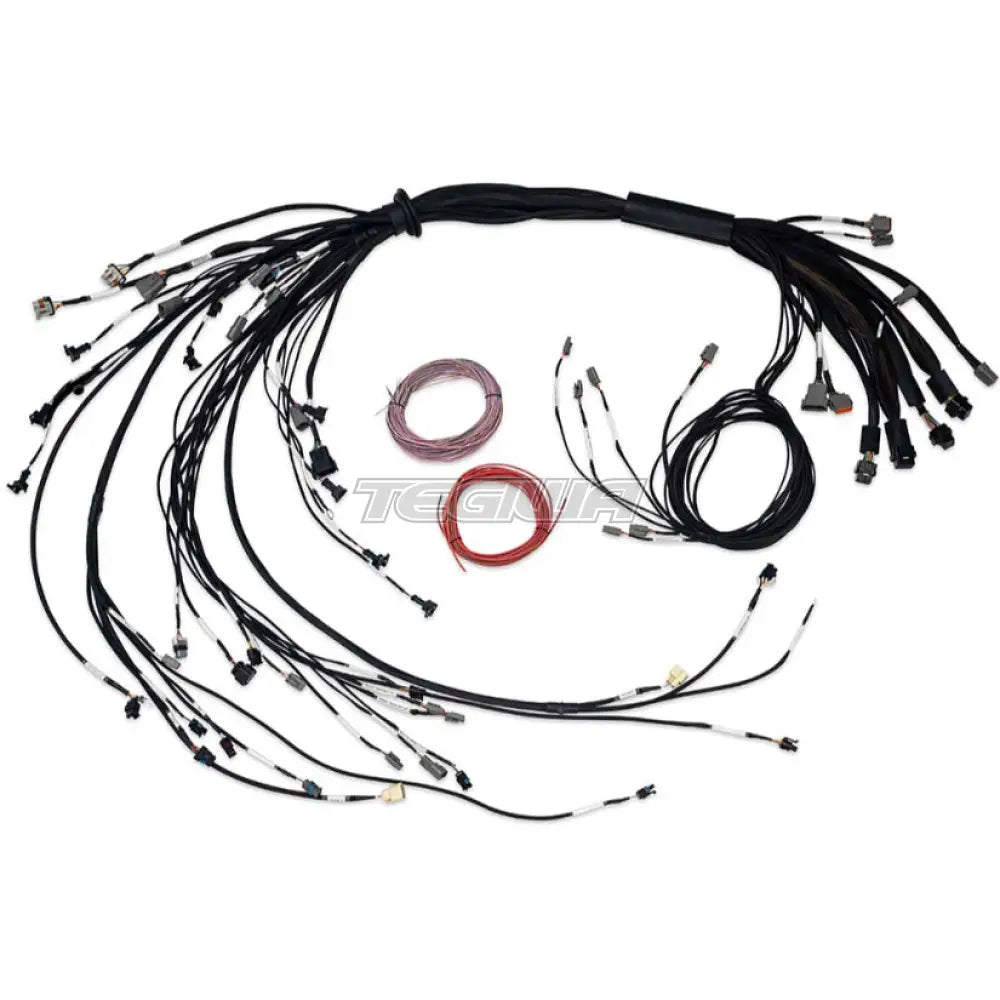
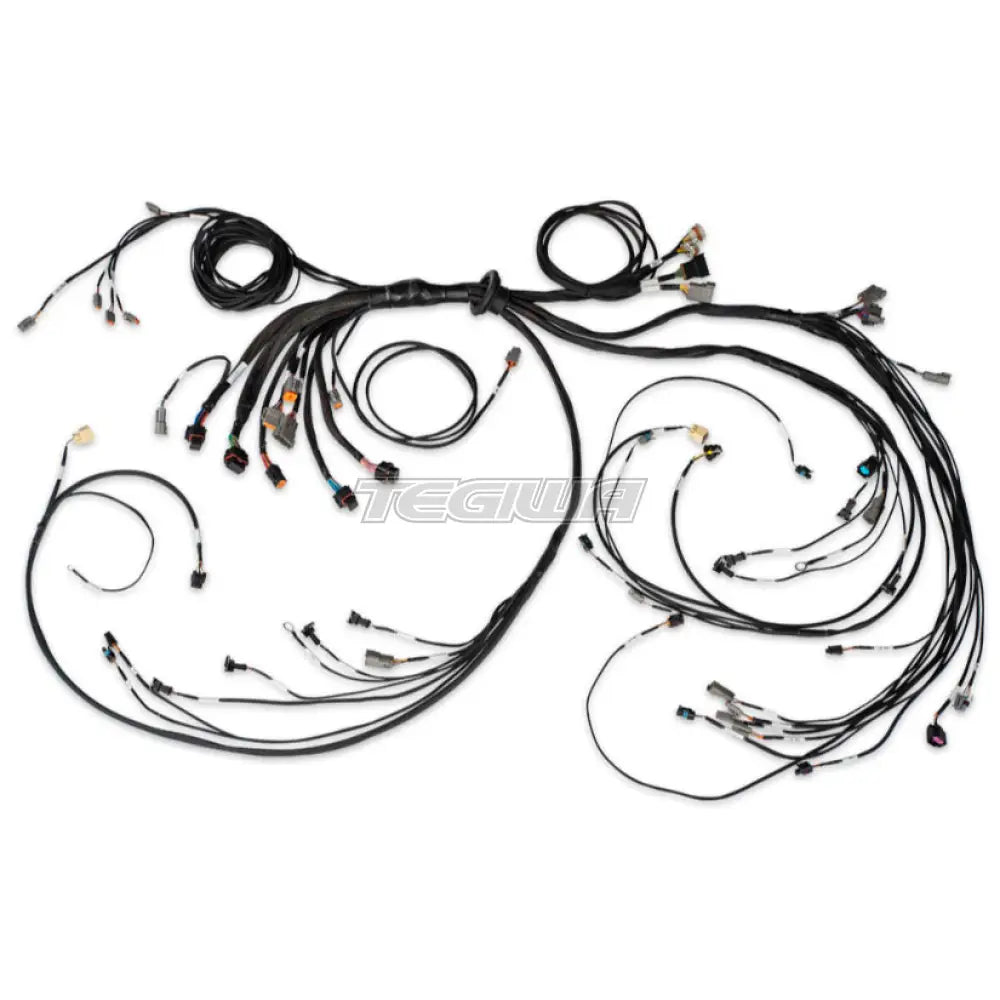
Terminated harness suits LSx engines without DBW, incorporates PDM functionality. EV1 primary injector plugs. Plug and play with the OEM Ignition sub-harness on the engine. (Required) Includes 1 x HT-186206 Terminated Harness 1 x Pack of DTM/DT connector and pin set to terminate to sensors, solenoids and other devices 2 x DTP-2 connectors with pre-crimped 12AWG wires to use for fuel pump and thermofan 1 x DT-8 connector with pre-crimped 18AWG wires 1 x 2 pin Bosch alternator adaptor harness 1 x 2 pin Yazaki alternator adaptor harness 1 x 4 pin Delco alternator adapter harness
Suits: Vehicles equipped with GM LSx engines with cable throttle needing a vehicle rewire with PDM functionality.
Pre-wired to connect directly to OEM 7 Pin Coil Harness Connector.
Features 8 x Primary injectors (EV1) Breakout plug for 8 x Secondary injectors 2 x outputs available for Tertiary injection Single / Dual boost solenoid control Dual wideband sensor control (R5 onboard wideband controller) Flex fuel sensor connection Direct fuel pump control (using 25A-HCO) Direct thermofan control (using 25A-HCO) In-cabin breakout connector for spare inputs and outputs Engine bay breakout connector for spare inputs and outputs (eg transmission control) Breakout connector for PDM outputs (eg Headlights, indicators, wipers, etc) Haltech CAN Bus support (DTM-4)
Why Buy From Us?
Worldwide shipping
1000's of items in stock
Multiple payment options
14 day returns period
Payment & Security
Your payment information is processed securely. We do not store credit card details nor have access to your credit card information.
Price Match Request
Related items
Recently viewed
Loyalty Points
Earn
loyalty points worth !
Free Shipping
Free UK shipping on orders over £150!
Price Match
Seen the same part cheaper? We'll match any like for like price from a UK company!
Free shipping
On all orders over £150
Satisfied or refunded
We know you'll love our products
Top-notch support
We're here to answer your questions
Secure payments
100% SSL secure payments
Opens in a new window.
PayPal Pay Later Messaging
Step 1: Choose message placement
Click the button below and then hover over your page to select a placement.
Step 2: Paste and save
You have copied the placement for the Product Page.
Go back to the App Embeds section, and in the Paypal Advanced Settings, paste the copied value into the
Product Page field and click the 'Save' button in the top right corner.